How long can you do something without looking at your phone? According to Reviews.org, Americans check their phones approximately 200 times per day. In other words, this happens about every five minutes!
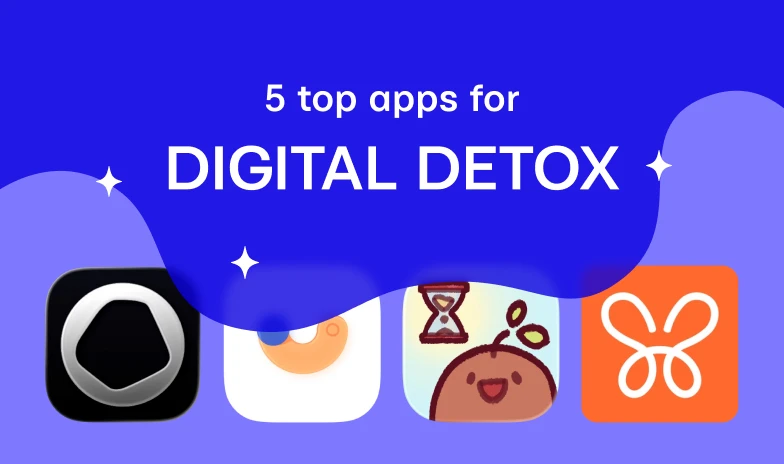
A helpful solution is to use apps that can reduce screen time. Yes, we grasp the irony of needing an app to stop using your phone so much. Of course, relying solely on these tools won’t solve phone addiction. But it’s an essential and helpful first step. Here are five recommendations:

1. Opal
Opal is one of the most popular apps in its category. With its elegant design, it acts as a proactive digital well-being assistant. Billed on its own site as “attention on autopilot,” Opal serves as a quantified-self dashboard for your phone habits.
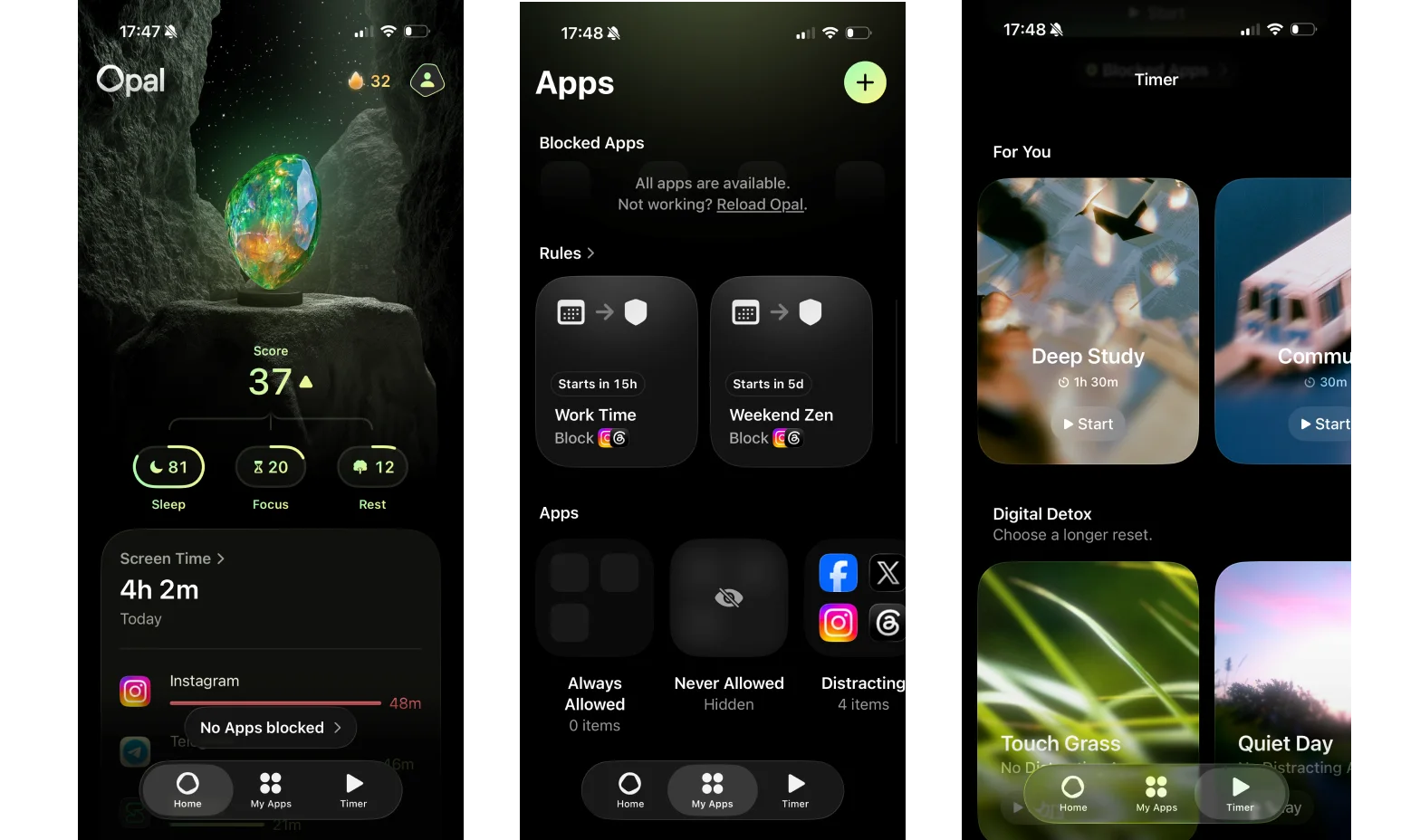
The core mechanic is app and website blocking. Users can set daily time limits on individual apps, schedule recurring blocks (social media off-limits from 6 p.m. to midnight, for instance), or launch a manual focus session with a timer. Opal is available for iPhone, Mac, and Android. Still, its biggest limitation is that many of its most powerful features require a Premium subscription.
2. Flipd
Flipd takes a slightly different approach to digital well-being than most screen time apps. It combines distraction blocking with structured productivity techniques. The app is built around the Pomodoro technique, encouraging users to divide work into focused sessions separated by short breaks. One of Flipd’s unique features is Focus Lock, which prevents users from quitting a session until the timer expires.
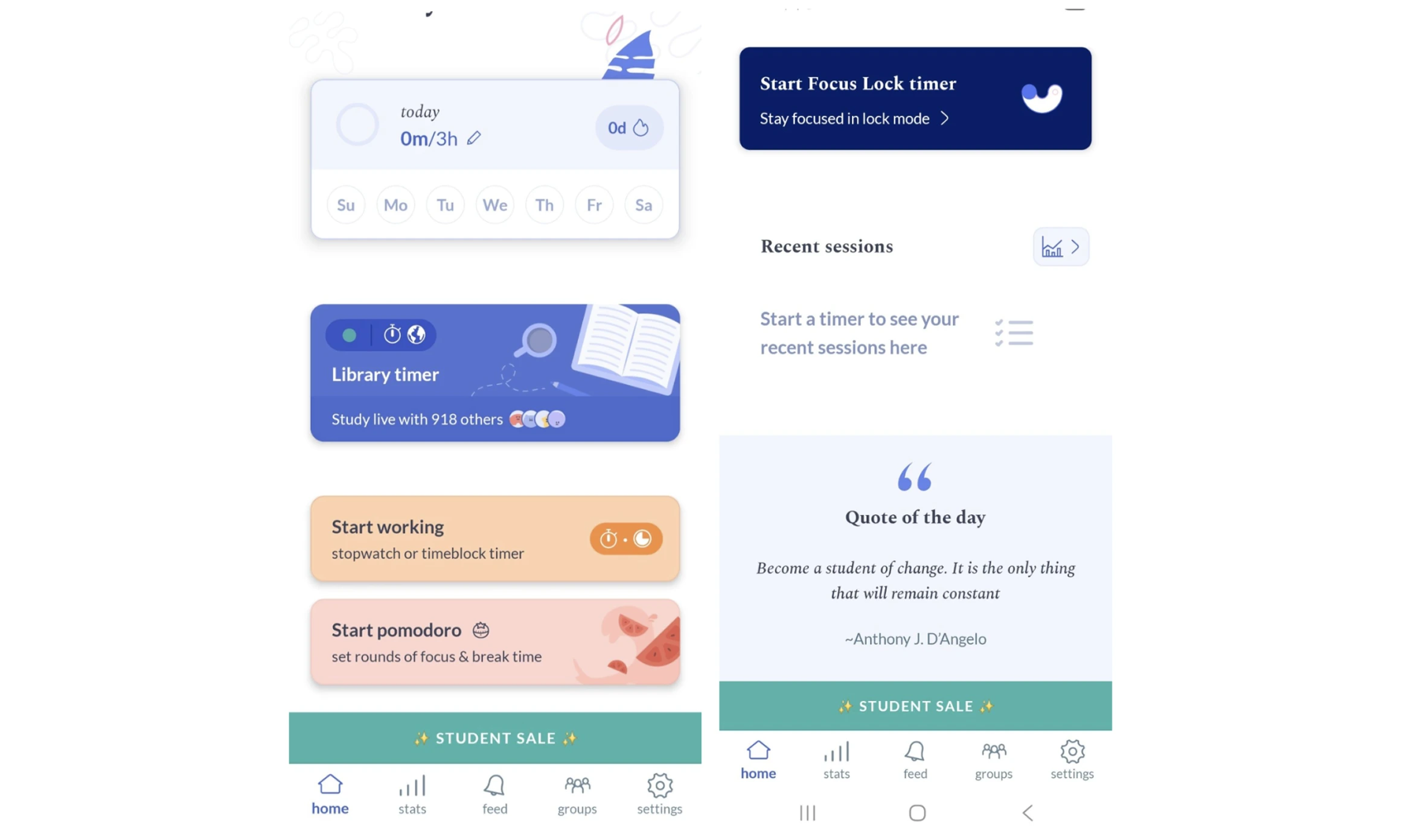
To cultivate a sense of shared inspiration, the app also features:
- daily quotes;
- calming background music;
- comprehensive productivity statistics;
- an active community.
Here, users can see how many other people are working or studying at the same moment. Flipd operates on iOS and Android mobile devices.
Such apps will be more effective if you also develop a philosophy of technology use
In Digital Minimalism, author Cal Newport argues that relying solely on tools is often insufficient in the “attention economy.” If you break the cycle of behavioral addiction, you’ll be able to use these apps intentionally, and they will bring more value. Learn how to ensure the technology serves your goals rather than subverting them in our summary.

3. Focus Friend
Focus Friend, created by YouTuber and author Hank Green, is a good fit for users who find traditional productivity apps too rigid. Your focus sessions happen in the company of a knitting bean companion, who you can name and whose home you can decorate. When you set a focus timer, your bean starts knitting, and if you leave the app to use distracting apps, your bean gets sad and drops its stitches.
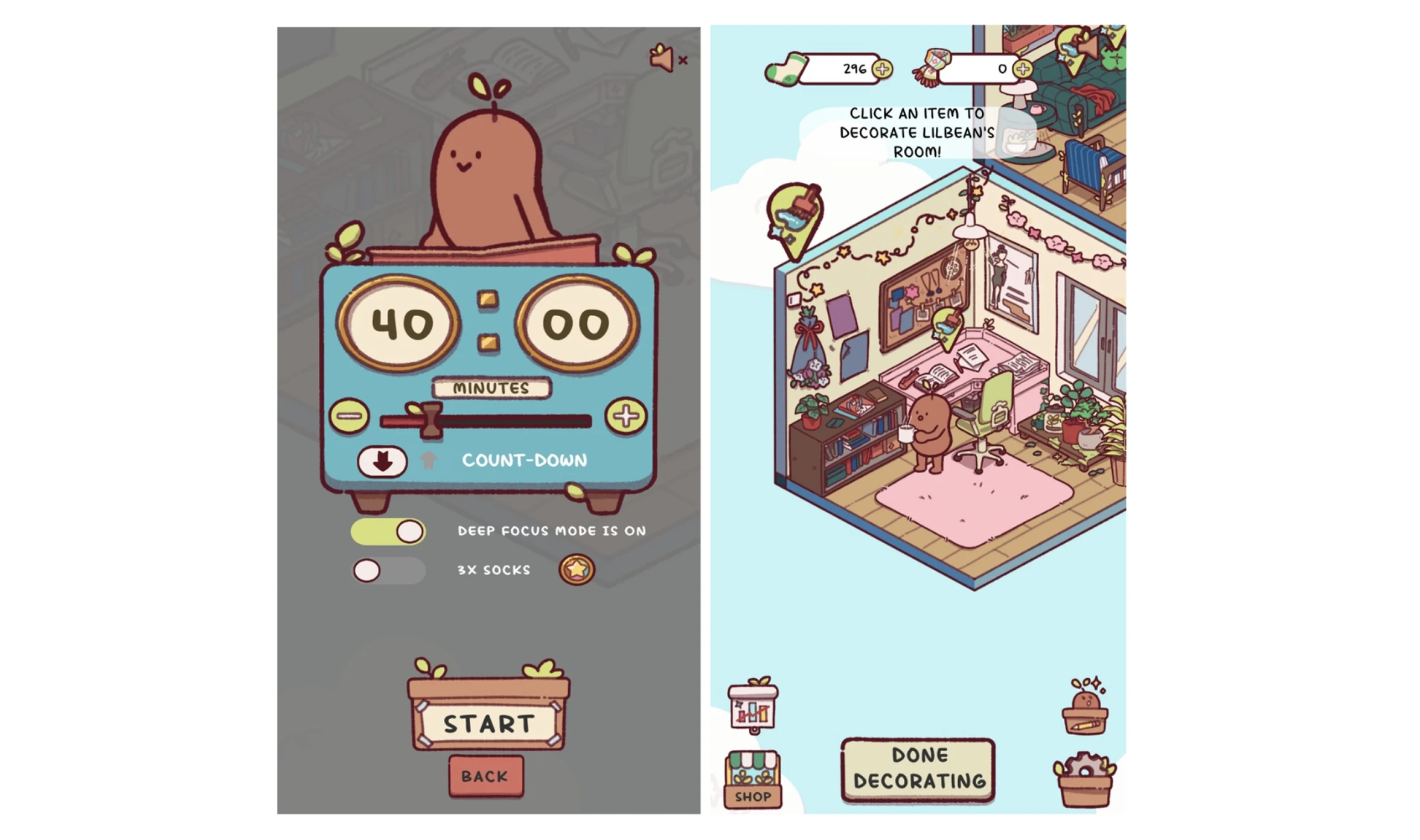
Focus Friend locks users into their session and inhibits interruptions with its countdown timer and optional Deep Focus Mode. Because it uses positive reinforcement, the app can help you build concentration and make focused work feel enjoyable. Notably, Focus Friend is free to download with no ads and no personal data collection.
4. OffScreen
OffScreen approaches digital wellbeing from a data-driven perspective. It focuses heavily on tracking and analyzing phone usage habits, including pickups and continuous usage sessions. This is helpful because users can learn how they interact with smartphones throughout the day.
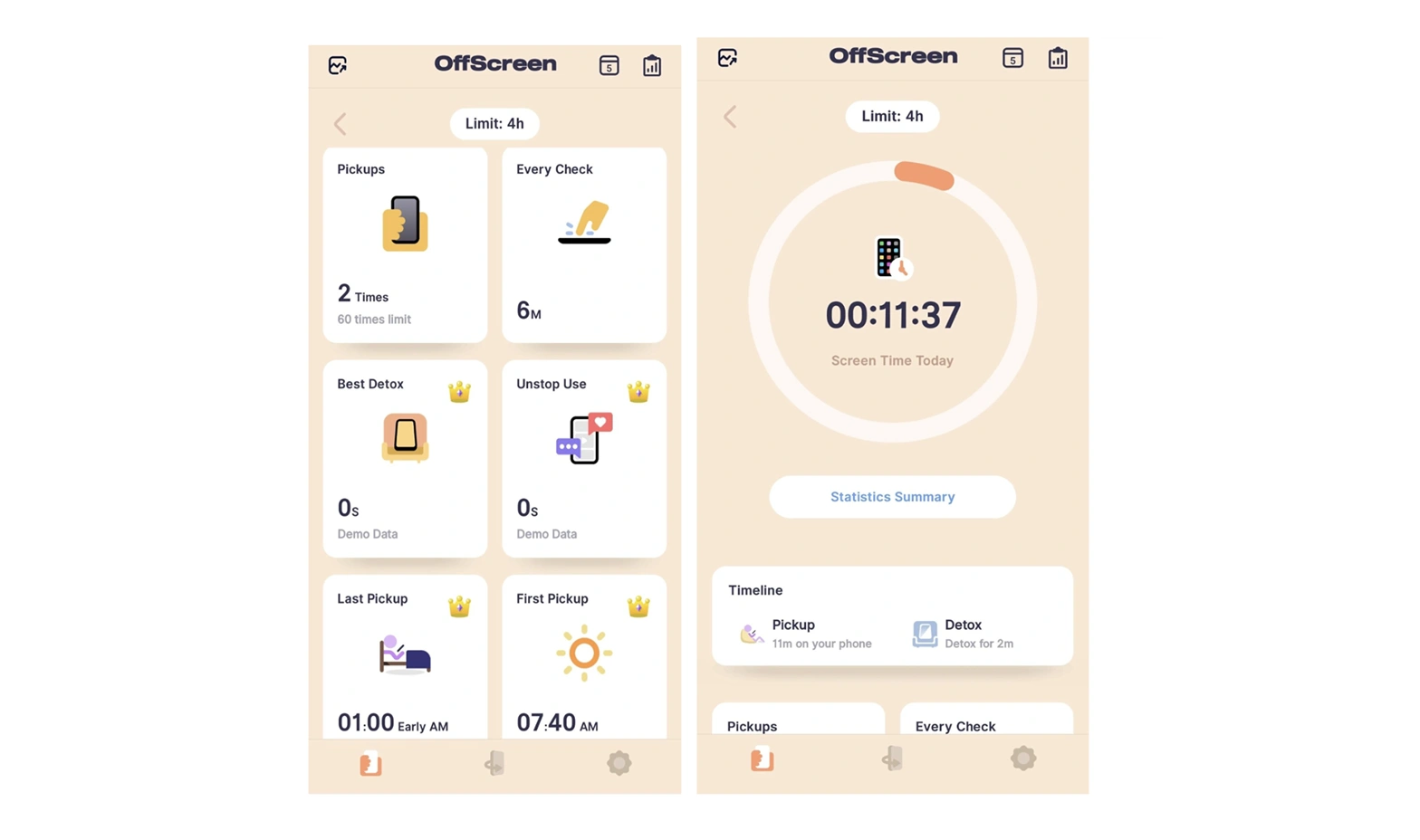
OffScreen’s focus on raising awareness before imposing limitations is one of its advantages. Another selling point is the price, which reviewers consistently describe as reasonable. The app’s minimalist design and intuitive visualizations make complex usage data accessible without sacrificing detail.
5. Forest
Forest is centered on the visual metaphor of growing a virtual forest to represent productivity. Users set a timer and “plant” a tree. If they stay focused, the tree grows. If they leave the app, the tree withers. The emotional cost of watching a tree you planted wither because you couldn’t resist checking Instagram creates just enough friction to override the phone-checking impulse.
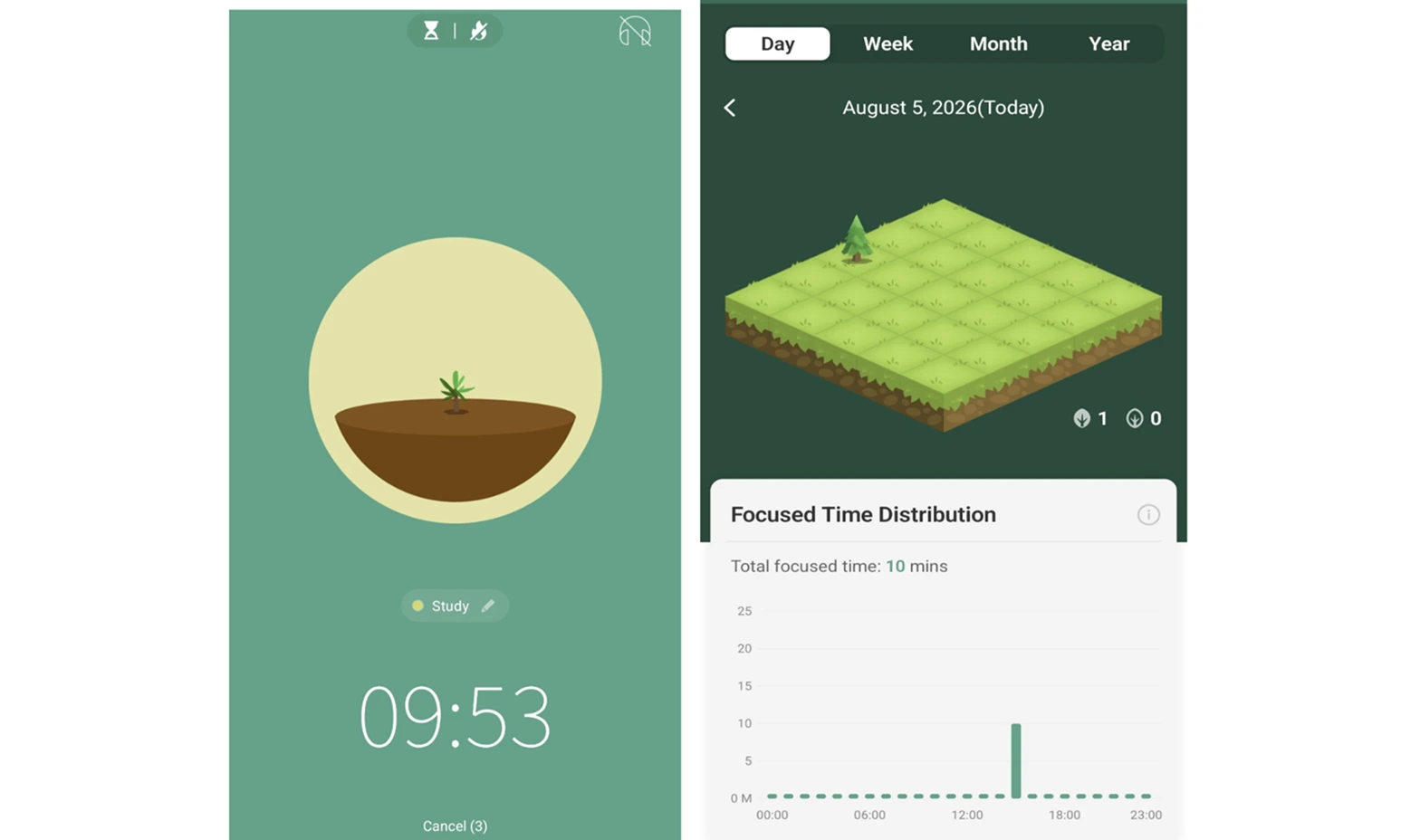
Users can select focus duration and categorize sessions by activity (Study, Sport, Entertainment, etc). They can also participate in collaborative planting sessions with friends to stay accountable. But what really makes Forest special is the real-world payoff: users who earn enough virtual coins through focus sessions can put those coins toward planting an actual tree with Trees for the Future.
A challenge: Try a digital detox weekend
If you’re interested in apps that help you use technology more mindfully, we also suggest trying digital detox. This is a period where you step away from all optional online activities to rediscover high-quality analog pursuits, such as reading, exercise, or in-person socializing. You’ll surely notice the benefits afterward, and it will helxp you achieve your goal even faster. Sounds intriguing? Check out the article where our editor shares her social media detox weekend.